
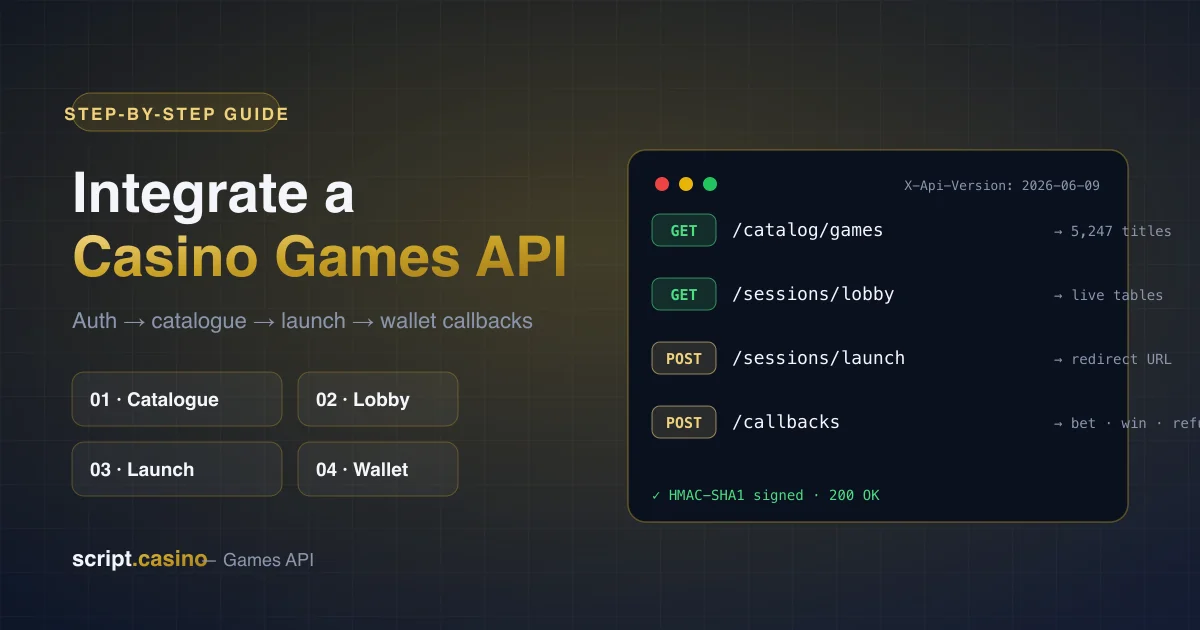
This is a practical, engineering-level walkthrough of a casino games API integration — from authentication to settling your first bet — based on our production Games API. Most teams complete it in a few days; the interactive reference at docs-casino.xyz documents every endpoint with live examples.
Before you start: authentication
Every protected endpoint expects four HMAC-SHA1 headers: X-Merchant-Id, X-Timestamp, X-Nonce and X-Sign. Your merchant ID and signing secret come with API access. The API is versioned through X-Api-Version (current: 2026-06-09), so breaking changes never reach you unannounced — pin a version and upgrade on your schedule.
Step 1 — Pull the game catalogue
GET /catalog/games returns the full library — 5,247+ titles with provider, category, tags and artwork. Cache it locally and refresh on a schedule; pagination headers (X-Pagination-Total-Count and friends) make incremental syncs straightforward. Featured and recently-added lists have their own endpoints, and GET /catalog/providers powers a provider filter UI.
Step 2 — Lobbies for live games
For live dealer verticals, call GET /sessions/lobby with the game UUID and currency to render Evolution, Pragmatic Live or Ezugi tables — dealer names, table limits and availability included. Slots skip this step entirely.
Step 3 — Launch a session
POST /sessions/launch exchanges a player ID, game UUID and currency for a redirect URL — open it in an iframe or new tab and the player is in the game. Use POST /sessions/launch/demo for free-play mode; it is the easiest way to test your flow end-to-end before real money moves.
Step 4 — Implement wallet callbacks
The seamless-wallet model keeps player balances on your server: the API calls your callback URL with five actions — balance, bet, win, refund and rollback. Respond with the player’s balance after applying each transaction. Idempotency matters: store transaction IDs and return the same result for retries.
Beyond launch: campaigns, jackpots, reports
- Freespins — create and cancel campaigns via
POST /campaigns/freespins. - Vouchers — promotional voucher programs with full lifecycle endpoints.
- Jackpots — feeds and winner lists for lobby widgets.
- Reporting — GGR, rounds, players and crypto settlement via
GET /reports/*for your finance stack. - Monitoring — public
GET /health/statusand per-provider health for your status page.
Integration checklist
- Obtain merchant credentials (contact us or Telegram @ScriptCasinoOfficial).
- Sign a test request to
GET /catalog/games; verify pagination. - Launch a demo session and complete a game round.
- Implement and test all five callback actions, including rollback.
- Reconcile a day of test rounds against
GET /reports/rounds. - Go live, monitor
/health/uptime, and scale.
Prefer to skip the build entirely? Every casino script we sell ships with this API already integrated — watch the integration demo to see it running.
FAQ
How long does the integration take? A focused developer usually has demo sessions running on day one and callbacks production-ready within a few days.
Do I need a separate integration per provider? No — all 77 providers ride the same API, catalogue and wallet protocol.
Is there a sandbox? Yes, demo-mode sessions and test credentials let you integrate without real funds.
6 Comments
Shared in Slack — exactly the depth we needed before budgeting Q3.
Used it as a go-live checklist. Practical, not the usual SEO fluff.
Payments bit matched what our PSP asked for. Comments here are gold.
Finally someone explains white-label vs owning the repo without the sales spin.
Would read a part two on affiliates, but this covered 80% of our questions.
Licensing section alone saved us weeks — sent this to our counsel before the vendor call.